


What is self-service?
In the ever-evolving digital age, companies are constantly seeking innovative ways to enhance customer experience, optimize operations, and reduce costs. One such solution that has gained immense popularity in recent years is self-service kiosks, also known as self-service kiosks. These interactive machines They offer customers a simple and automated way to perform various tasks on their own, without the need for direct interaction with an employee.
Let's delve deeper into the world of self-service kiosks/totems and explore what they are, how they work, and the benefits they bring to both businesses and customers.
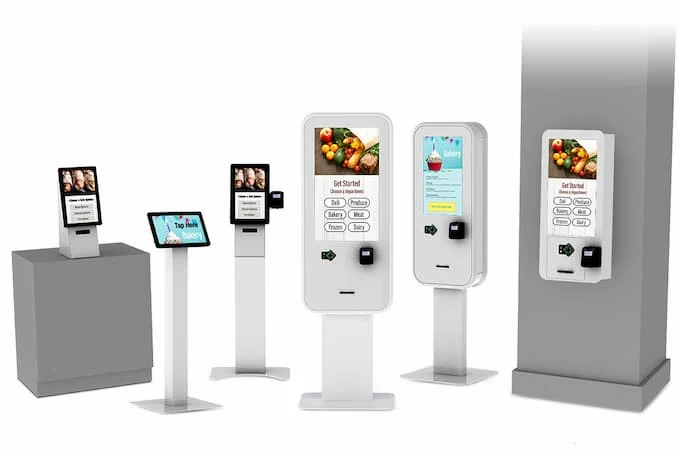
What is a self-service kiosk/totem?
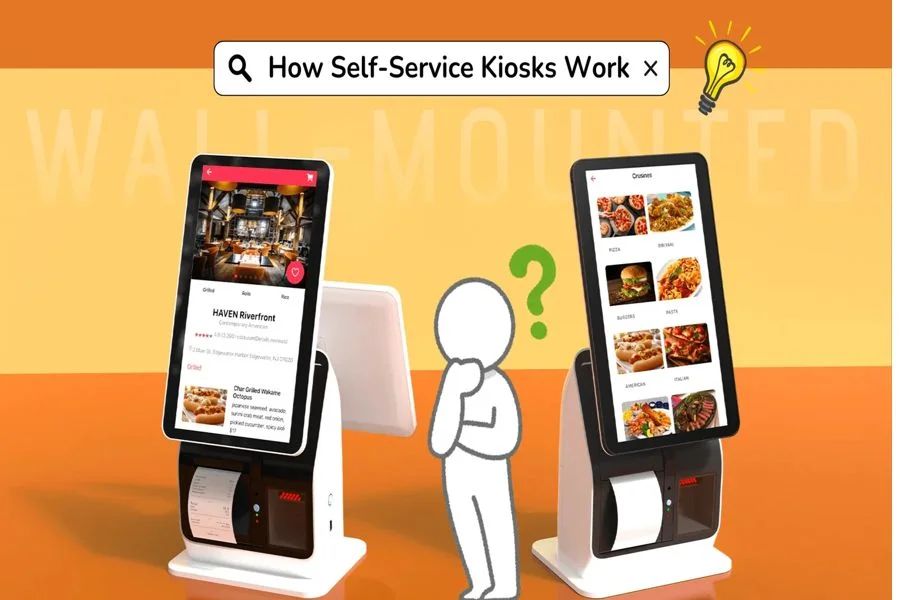
How do self-service kiosks work?
- User interaction:
The customer touches the touchscreen to choose what they want to do. - Task processing:
They follow step-by-step instructions, such as ordering food, checking in, or paying bills. - Payment and verification:
Many kiosks have card readers, QR code readers, NFC, or even cash acceptors. - Real-time data synchronization:
The kiosks connect to the company's internal system to update orders, inventory, reservations, or payments. - Confirmation or departure:
The kiosk can print a receipt, issue a ticket, or provide on-screen confirmation.
Software is usually developed to order, depending on the industry and specific business needs.
Types of self-service kiosks/totems
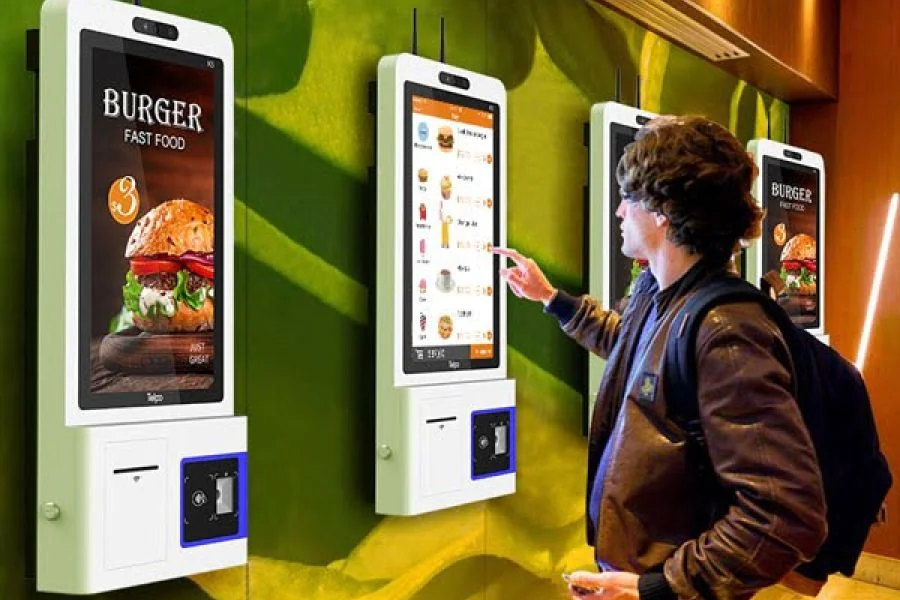
Order kiosks (food and drinks)
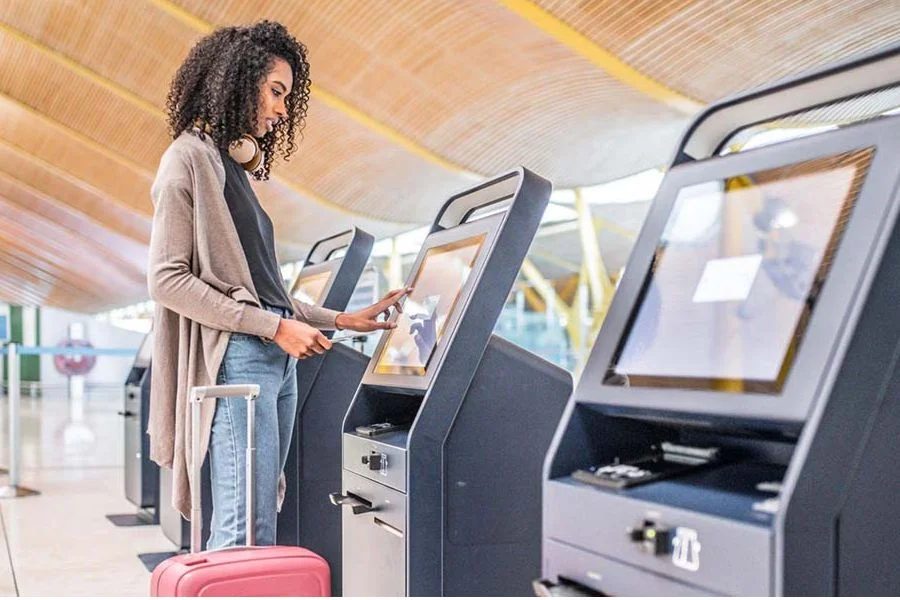
Hotel and airport check-in kiosk
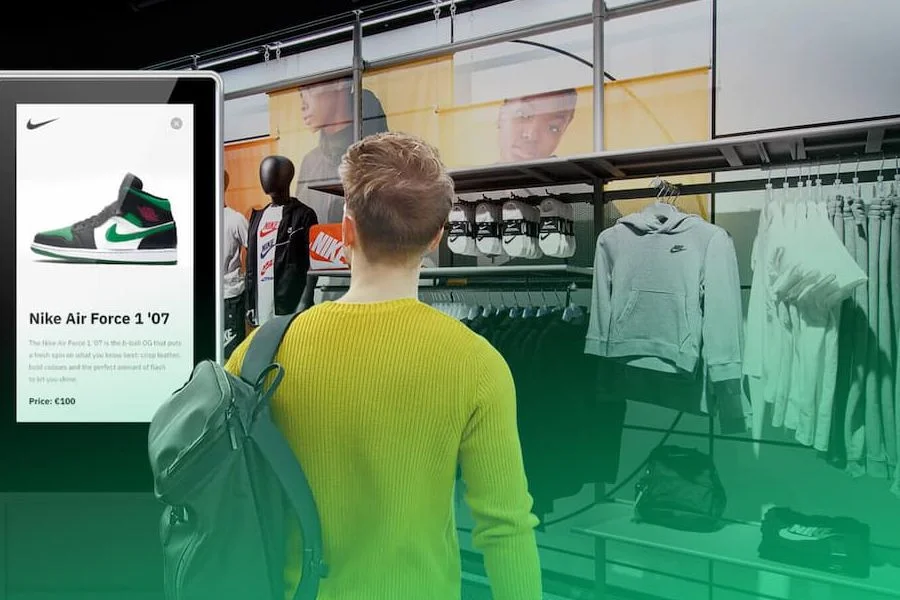
Retail Information Kiosk
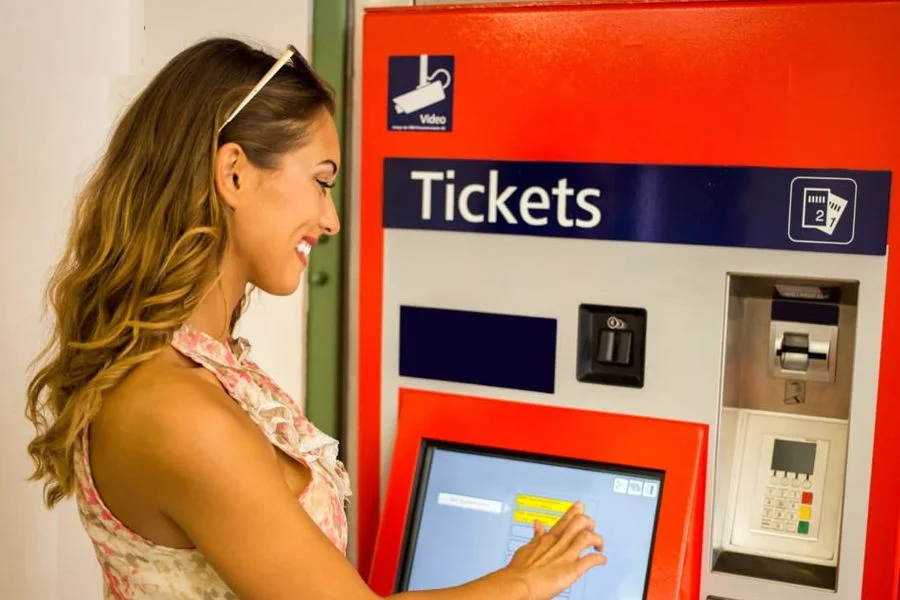
Ticket kiosk
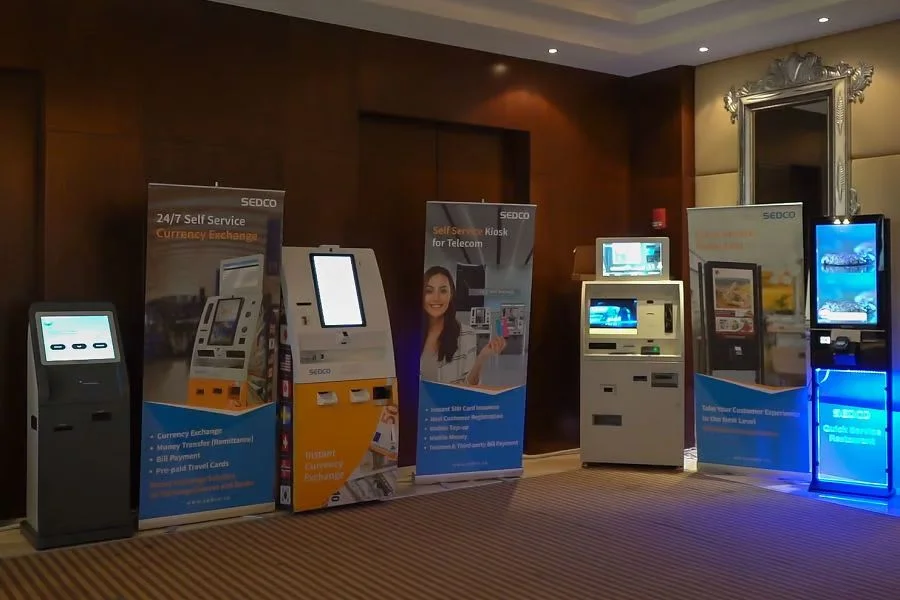
Banks and payment kiosks
Main benefits of self-service kiosks/totems
How much does a self-service kiosk cost?
One of the most common questions companies ask is: how much does a self-service kiosk cost?
Here's a general price guide:
Basic kiosk with touchscreen.
Ideal for simple information navigation or for organizing waiting lines.
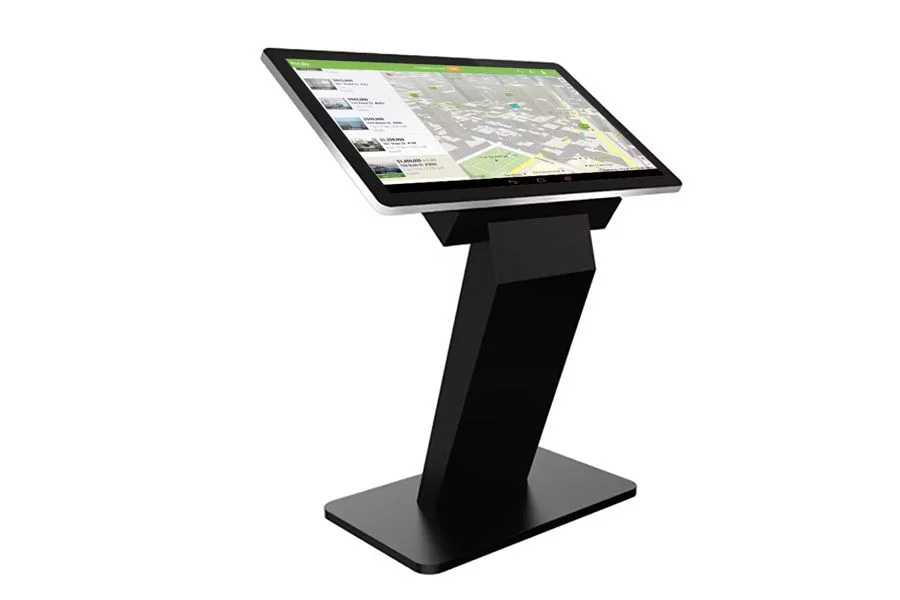
Mid-range kiosk with QR code reader, card reader or printer.:
Ideal for simple information navigation or for organizing waiting lines.
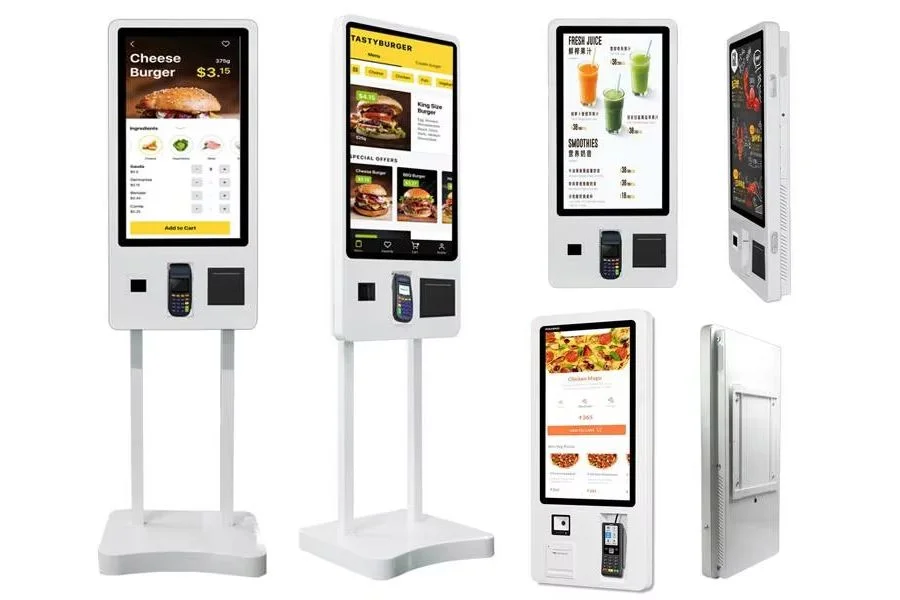
A complete and advanced self-service kiosk, with payment modules, thermal printers, cameras, or customized software:
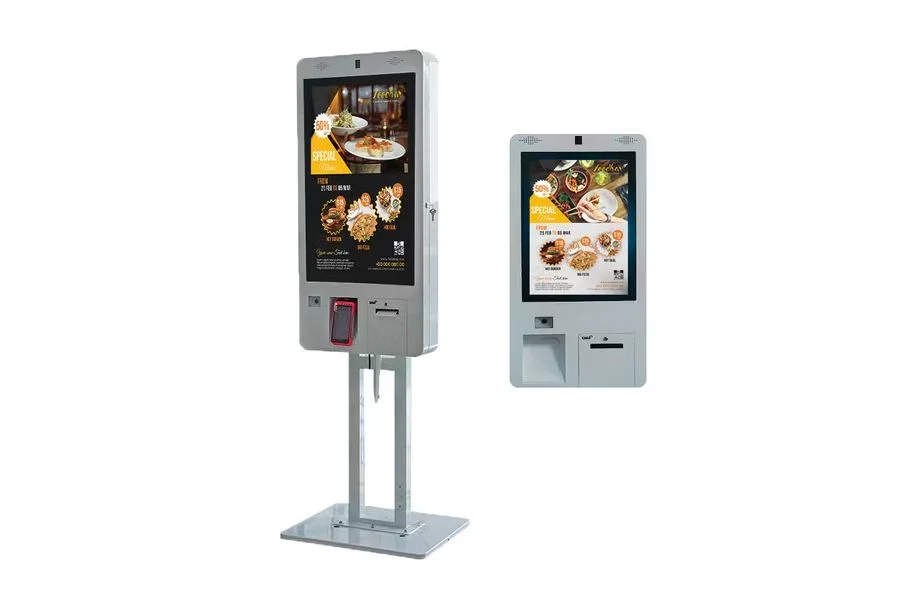
Large, customized business kiosk:
Used by banks, airports, or government institutions.
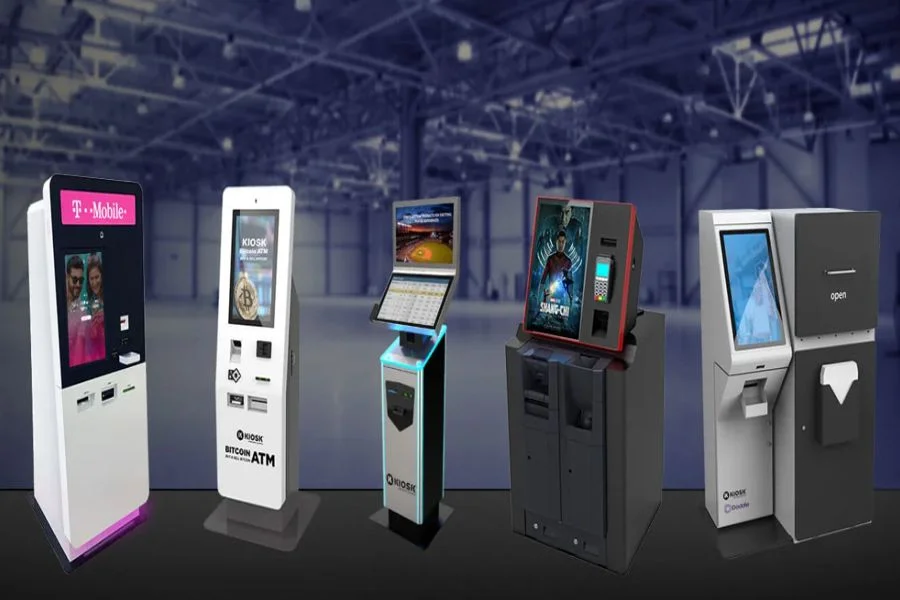
Prices may vary depending on screen size (21.5″, 27″, 32″, 43″), hardware modules, brand customization, and required software integrations.
Why are companies migrating to self-service?
Self-service systems meet modern consumer demand for speed, convenience, and autonomy. Businesses also benefit from lower costs, reduced congestion, and more efficient operations.
With the acceleration of digital transformation, self-service kiosks/totems have ceased to be optional and are becoming essential tools for sectors seeking to maintain competitiveness.
Conclusion
Now that you understand what self-service is, what kiosks are, and even how much a self-service kiosk costs, it's clear why these digital terminals are reshaping the customer experience.
They are the future of automated customer service, and companies that adopt them early on will gain a significant advantage.