


What is a Pixel screen?
In today's world of high-tech gadgets and digital screens, the term "pixel screen" is everywhere; from smartphones to televisions and even large outdoor displays. A pixel screen is simply a screen that uses individual pixels (image elements) to display images, videos, and text. Each pixel on a screen is a tiny unit that, when combined with millions of others, forms the complete image we see on a display.
But what makes a pixel screen special? And why should you care about the quality and performance of those pixels? This blog will delve into what pixel screens are, their impact on screen quality, and how pixel density, pitch, and resolution influence different applications.
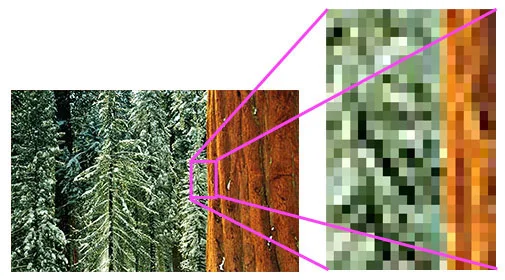
How does screen pixels work?
Pixel displays are found in almost all current display technologies, from LED and OLED screens to LCDs and digital signage. Each pixel acts as a tiny light source that, when combined, creates a complete image.
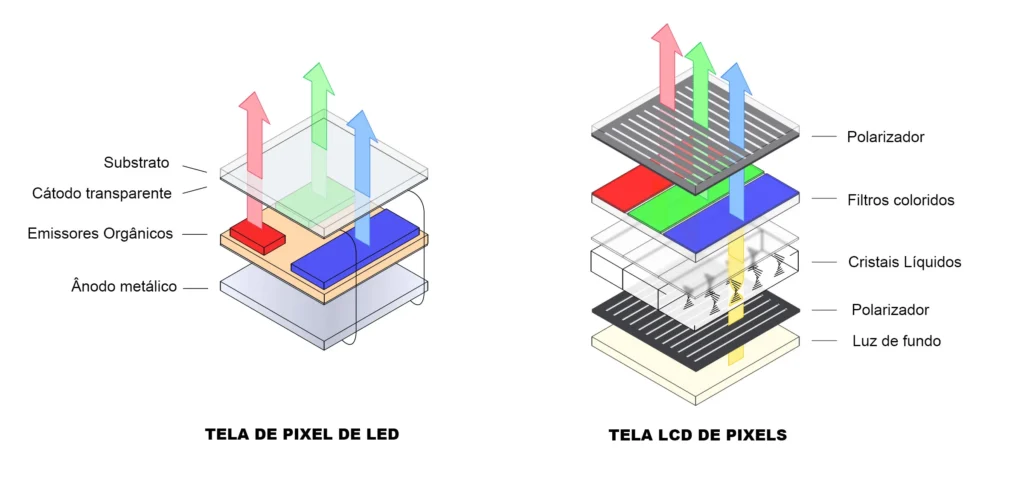
Pixel and Display Technology
In its most basic form, each pixel on a screen displays a color. These colors are created using a mixture of red, green, and blue (RGB). When combined in various proportions, these three colors can create millions of different shades, resulting in high-definition images.
The three most common types of pixel screens they are:
- Pixel LED ScreensTypically used for large, high-brightness displays, such as digital billboards.
- Pixel OLED screens: Known for their vibrant colors and ability to produce authentic blacks, they are commonly used in the latest generation of TVs and smartphones.
- Pixel LCD Screens: Often found in older monitors, laptops, and televisions. They rely on backlighting to illuminate the screen.
Each of these screen types uses a grid of pixels to display images, but the way the pixels are arranged and illuminated differs. For example, OLED screens don't need a backlight because each pixel emits its own light.
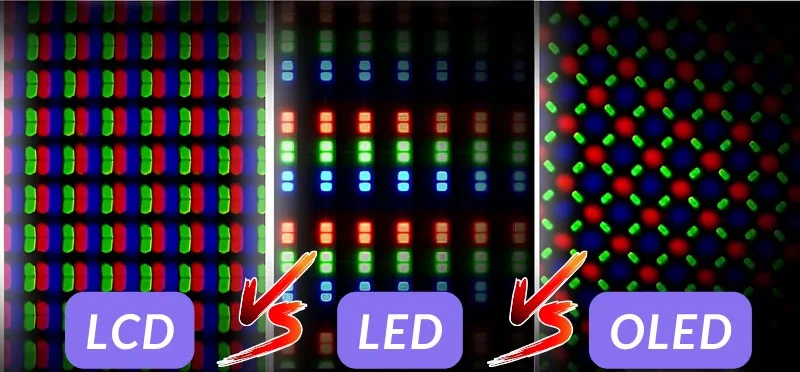
Pixel density and its impact on screen quality
What is pixel density?
Pixel density, measured in PPI (pixels per inch), refers to the number of pixels in a given area of the screen. The higher the pixel density, the sharper and clearer the image on the screen will be. This is why the latest generation of smartphones and 4K televisions have higher pixel densities compared to older models.
Pixel size versus resolution
Pixel spacing is a critical factor in LED video walls. Pixel pitch refers to the distance between pixels on a screen and is typically measured in millimeters. The smaller the pixel pitch, the sharper the image, which is especially important in close-up viewing scenarios, such as in a retail store or concert hall.
Resolution refers to the total number of pixels on the screen, usually expressed as width x height. While pixel pitch focuses on the distance between pixels, resolution affects how many pixels the screen can display in total.
A high-resolution screen with small pixel pitch will provide sharp, detailed images, making it suitable for large-scale displays that require viewers to sit close without sacrificing image quality.
Types of pixel screens
Pixel LED Screen
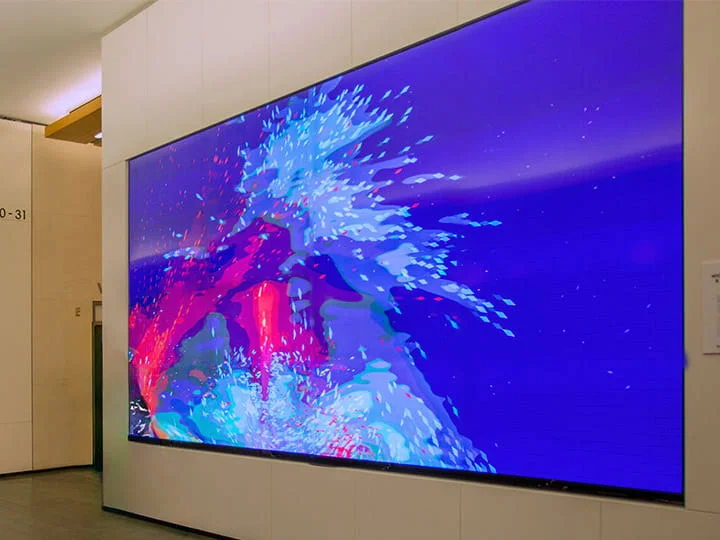
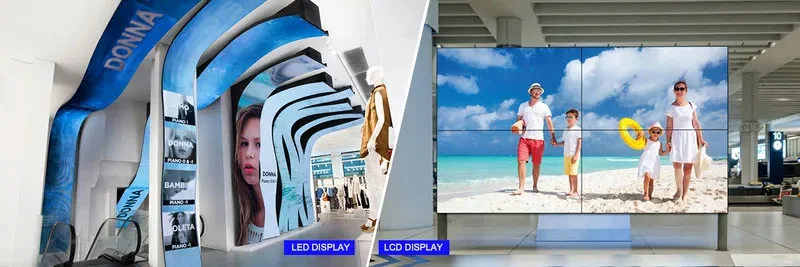
LED screens utilize a grid of tiny light-emitting diodes (LEDs) to produce an image. They are highly durable, energy-efficient, and capable of generating extremely bright images. These screens are commonly used in outdoor digital signage and video walls, where high brightness is essential to maintain visibility even in sunlight. LED screens are also known for their long lifespan and ability to maintain image sharpness over time.
Pixel OLED Displays
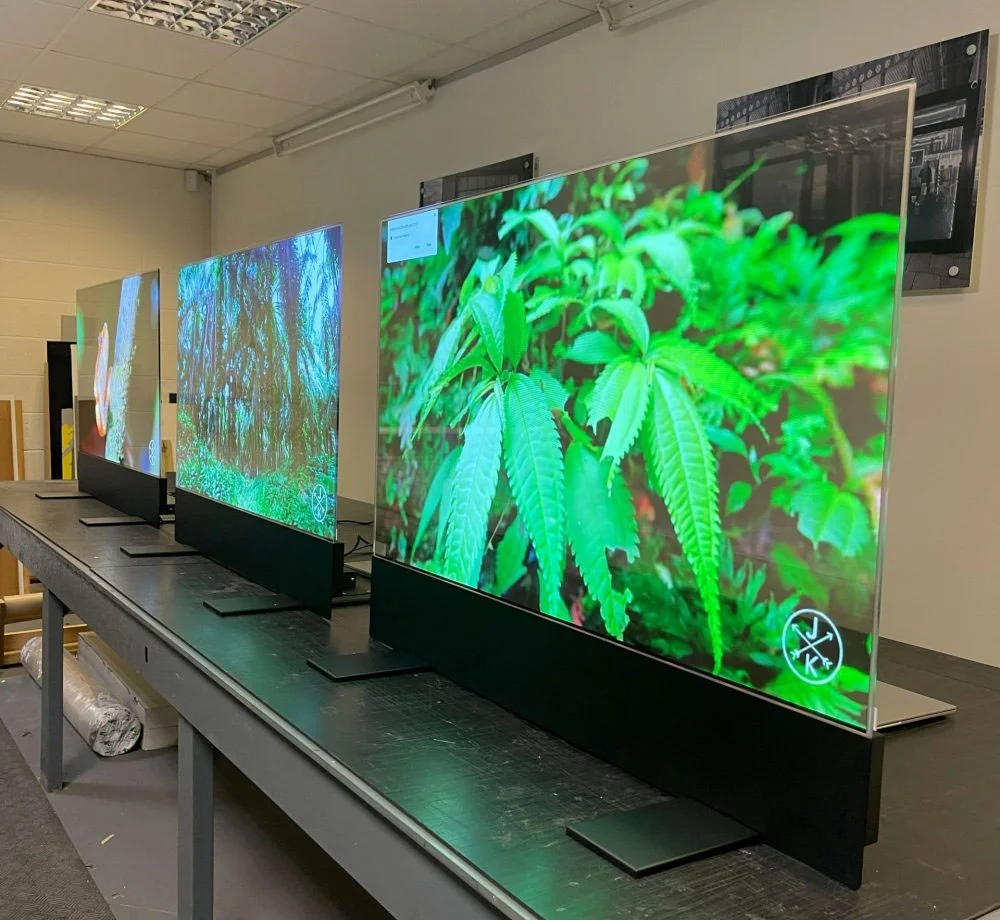
OLED pixel displays utilize organic compounds that emit light when an electric current passes through them. Unlike LED displays, OLED pixels do not require backlighting, allowing for deeper blacks and more vibrant colors. This makes them the ideal choice for next-generation smartphones, televisions, and smartwatches, where color accuracy and contrast are crucial.
Pixel LCD Screens
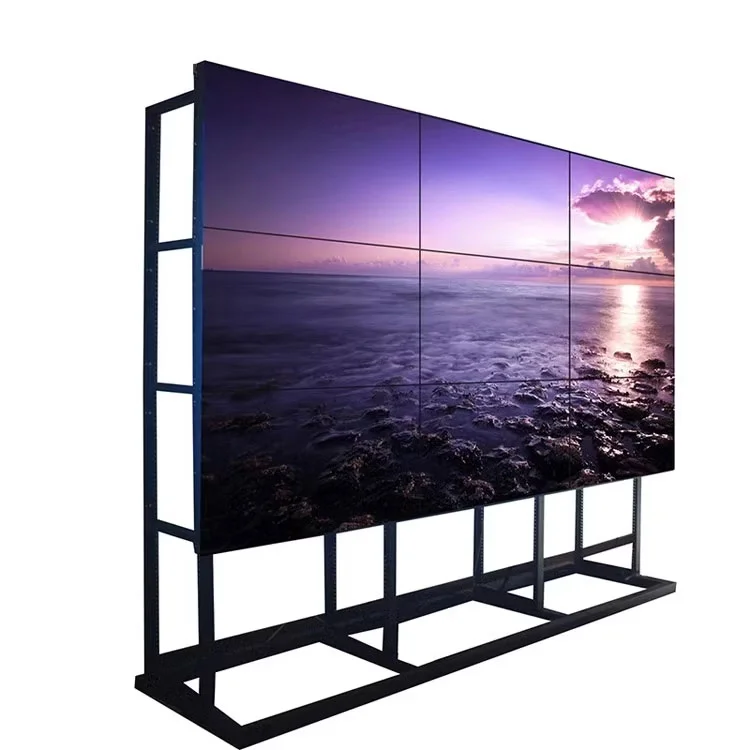
LCD screens rely on a backlight that shines through liquid crystals to produce images. While they don't offer the same deep blacks as OLED screens, they are more affordable and have been the standard for most televisions and computer monitors for years.
Pixel screen application
Consumer electronics
The most common use of pixel screens is in consumer electronics. From smartphones to televisions and tablets, pixel screens are the foundation of how we interact with digital devices daily. High pixel density and resolution are crucial for creating the sharp images and videos we expect.
Digital signage and advertising
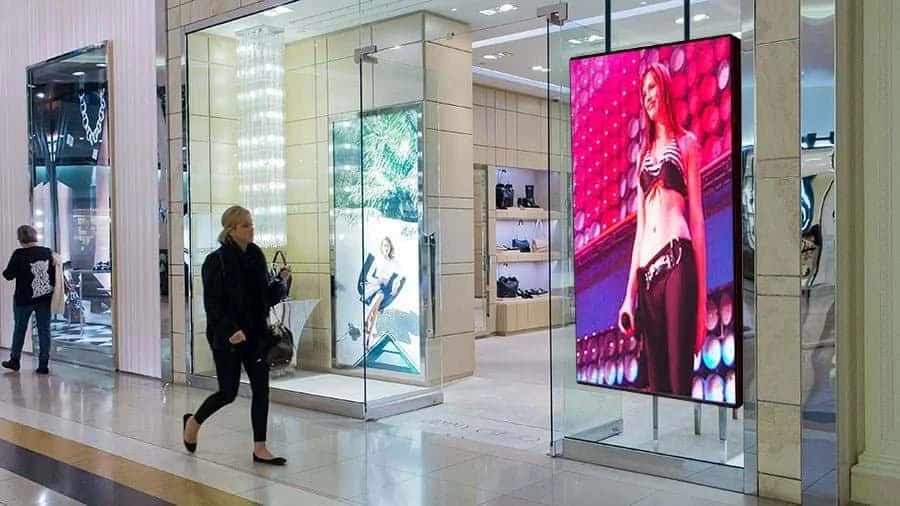
Pixel displays are being increasingly used in large outdoor displays, such as digital billboards, video walls, and... electronic scoreboards. These screens need to be highly bright and durable enough to withstand outdoor weather conditions. For example, LED video walls are frequently used in concerts, stadiums, and... events audiences to provide dynamic visual content.
Games
For gaming monitors, high pixel density and fast refresh rates are essential to providing an immersive experience. Pixel sharpness ensures that game details are displayed clearly, while higher refresh rates reduce motion blur, creating smoother gameplay.

What to consider when choosing a Pixel screen
When selecting a pixel screen for your specific needs, there are several factors to consider:
- Pixel sizeIf the screen will be viewed from a distance, you can opt for a larger pixel size. For close-up viewing (such as on mobile devices), choose a screen with a smaller pixel size.
- Resolution: Choose a higher resolution if you want more detail. For large screens, a higher resolution combined with a smaller pixel pitch will provide sharp, vibrant images even from a distance.
- Screen type: Choose between LED, OLED, or LCD, depending on your needs for brightness, color accuracy, and budget.
A common problem with Pixel screens.
Dead pixels
A common problem with high-resolution screens is dead pixels, which appear as small black dots on the screen. Dead pixels occur due to manufacturing defects or physical damage. If you notice dead pixels, it's sometimes possible to fix them with software tools, or you may need to replace the screen.
Built-in OLED screens
A specific problem with OLED screens is burn-in, where static images or logos leave a permanent mark on the screen. This can be avoided by using screen protectors or enabling settings that periodically alternate static images.
Final considerations
Pixel screens are a fundamental part of modern displays, from smartphones to digital signage. Understanding how pixel density, pixel spacing, and resolution affect image quality can help you make more informed decisions when buying devices or designing large-scale displays. Whether it's for an LED video wall for advertising or a high-definition screen, you're ensuring a crisp, vibrant, and immersive viewing experience.